Film a product demo
Ask your agent to walk a flow. Screen Beaver records, plants zooms, and prepares export.
Record a pricing-page demo with Screen Beaver MCP. Auto zoom + captions.
Open setup → MCPScreen Recorder MCP
The Windows screen recorder you can drive from Cursor, Claude, Windsurf, Codex, and any MCP client. Ask once — capture, auto zoom, captions, and a local MP4 come back without you clicking through the UI.
CursorMCP// Agent is filming this page via Screen Beaver MCP
export default function PricingPage() {
return (
<main>
<PricingTable />
</main>
);
}$ npm i -g @screenbeaver/mcp
added 1 package · screenbeaver-mcp ready
Screen Recorder MCP for every MCP coding agent
 Cursor
 Claude Code
 Windsurf
 Trae
Trae Antigravity
 Codex
Codex GitHub Copilot
 VS Code
Jobs
Same idea as the best MCP product pages: pick a job, copy the prompt, let the agent call Screen Beaver.
Ask your agent to walk a flow. Screen Beaver records, plants zooms, and prepares export.
Same prompt, fresh take. Stop re-clicking the same path every sprint.
Translate captions and run Edge TTS without sitting through another capture.
Same npm package. Drop the server block into Cursor, Claude, Windsurf, Codex…
The problem
Re-recording the same walkthrough every time the UI shifts
Opening a full editor just to punch in zooms on a 40-second take
Agents that click the product but leave the polish to you
The fix
Windows desktop app first. MCP has nothing to talk to without it.
npm i -g @screenbeaver/mcp, then paste the server into your agent config.
Keep the studio open. The agent films; zooms and captions land automatically.
MCP works with
Wire Screen Beaver MCP into your agent once, same server across clients.


 Vibe Coding ToolMCP
You
Record a pricing-page demo with Screen Beaver. Add zooms + captions, then prepare export.

Tool · screenbeaver.record_and_build
{
  "target": "pricing",
  "captions": true,
  "auto_zoom": true
}
Result
Capture complete · 14 zooms · captions ready · export queued
Vibe Coding ToolMCPCalling screenbeaver.live_build_demo
Install Screen Beaver for Windows, leave it running, then add the MCP CLI. Tools show up like native agent capabilities — only after the software is installed.
 Windows app required; Android USB capture on desktopWorks with MCP-capable coding agents after one npm install
 Package: @screenbeaver/mcp on npm
# Screen Recorder MCP
$ npm i -g @screenbeaver/mcp
# Cursor / Claude mcp.json
{
"mcpServers": {
"screenbeaver": {
"command": "screenbeaver-mcp"
}
}
}Agent toolkit
Capture, edit, voice, and export — the same studio tools, exposed as MCP.
record_and_build
Capture a scripted walkthrough and run the auto-edit pipeline in one call.
live_build_demo
Drive the UI live — plant zooms, captions, effects, and voiceover while you watch.
Captures & targets
Screen, window, or app surfaces without fighting the OS share picker.
Edit & voice tools
Regenerate zooms, translate captions, Edge TTS, music, prepare export.
MCP is the cable. Your agent clicks through the product while Screen Beaver records, polishes, and prepares the MP4 — that's Screen Recorder MCP in practice.
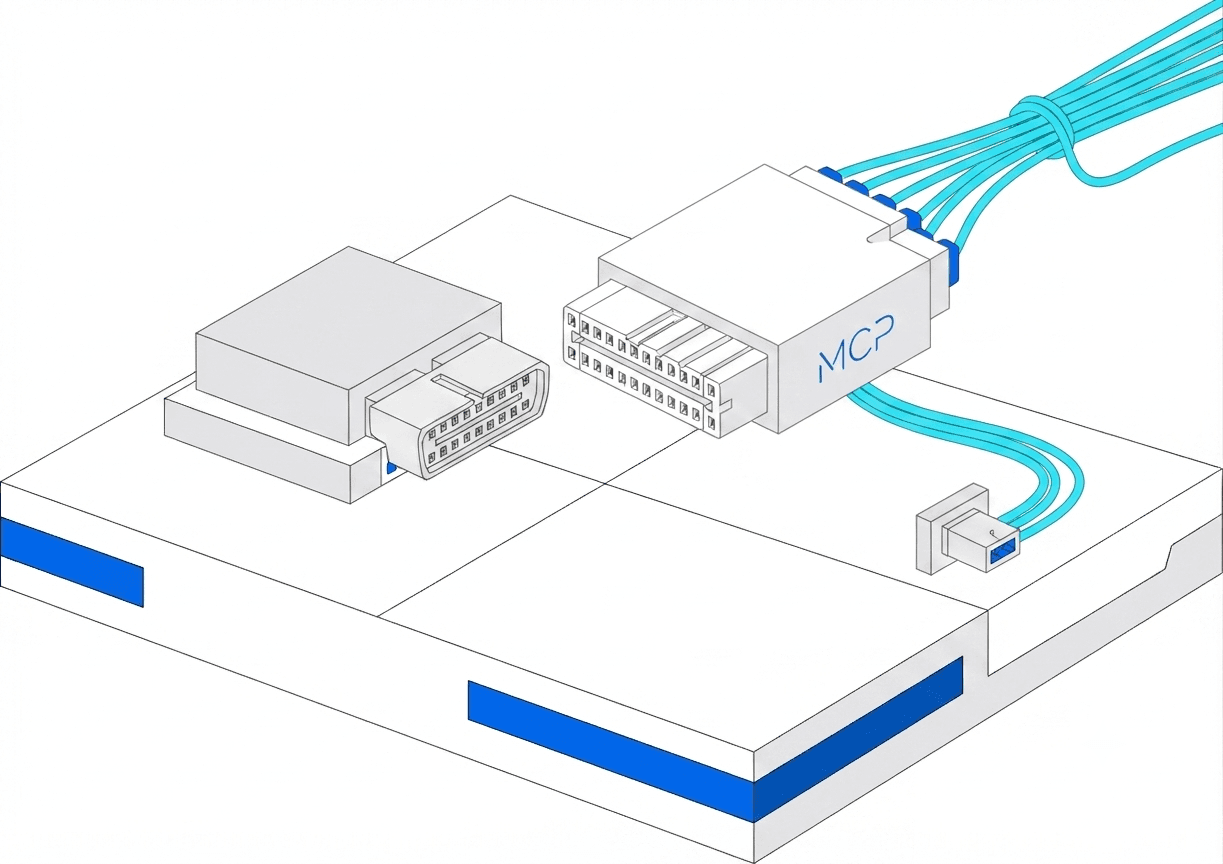

After the walkthrough, MCP tools can regenerate captions, translate locales, and run Edge neural TTS — so one take becomes many languages without re-recording.
FAQ
It's Screen Beaver's MCP server — a way for coding agents (Cursor, Claude Code, Windsurf, Codex, and others) to call capture, edit, and export tools. You keep a real Windows screen recorder; the agent drives it.
Model Context Protocol — a standard so agents can call tools. Screen Beaver exposes record, polish, and export over that cable.
Yes. Install Screen Beaver for Windows first and leave it running. The MCP package only works while the studio is open.
Absolutely. MCP is the agent path. The same studio works when you click record yourself — zooms, captions, voiceover, local export.
1) Install Screen Beaver for Windows. 2) npm i -g @screenbeaver/mcp. 3) Add the server to your agent. 4) Keep the app open while the agent films.

Start free, connect Screen Recorder MCP when you're ready, and ship tutorials without touching your screen.