MCP·JULY 28, 2026
Here’s exactly how to ship product tutorials without touching your screen
Wire Cursor to Screen Beaver over MCP, ask for a walkthrough, and export a polished local MP4, zooms, captions, and voiceover included.
Screen Beaver Team·10 min read

Most tutorial software starts with the same assumption: you’ll click through the product, keep the narration straight, and somehow avoid moving the pointer like a nervous squirrel. That is manageable for one quick clip. It gets old when a release needs a homepage demo, three help articles, and an updated onboarding walkthrough before lunch. Screen Beaver takes a different route. Your coding agent can operate the product while the Windows studio records the session, builds the first edit, and leaves you with a timeline you can inspect. You stop performing the same setup repeatedly and spend that time deciding whether the explanation is actually clear.
Connect the agent once
Install the MCP package with `npm i -g @screenbeaver/mcp`, then add `screenbeaver-mcp` to the MCP configuration for Cursor, Claude, Windsurf, or another compatible client. Once Screen Beaver is open, the agent gets a small set of purpose-built recording tools. This is not a magic permission to roam around your computer. You choose the target, account, and flow, and you can watch the run as it happens. Test the connection on a disposable staging account first: capture ten seconds, click one harmless control, stop, and confirm that the expected window and pointer were recorded. That boring test catches display, permission, and scaling mistakes before they spoil a useful take.
Write a beat list, not a screenplay
Agents do best with concrete beats. Try: “Open the sample workspace, create a project called Spring Launch, invite [email protected], then show the activity feed.” Add the pace, the intended viewer, and anything the recording must not expose. That prompt is more useful than a polished voiceover script because it describes visible evidence. Keep every beat tied to one payoff and name the state viewers should see afterward. If a step needs fifteen clicks to explain, it probably deserves its own tutorial. A bounded route is also easier to rerun: when the agent takes a wrong turn, you can correct one instruction instead of reverse-engineering a page of narration.
- Use seeded data so tables and dashboards look intentional
- Hide notifications, personal bookmarks, and production credentials
- Name the exact start state and the final result viewers should see
- Ask for a pause after important actions so captions have room to breathe
- Give the run a clear stopping point instead of letting it explore
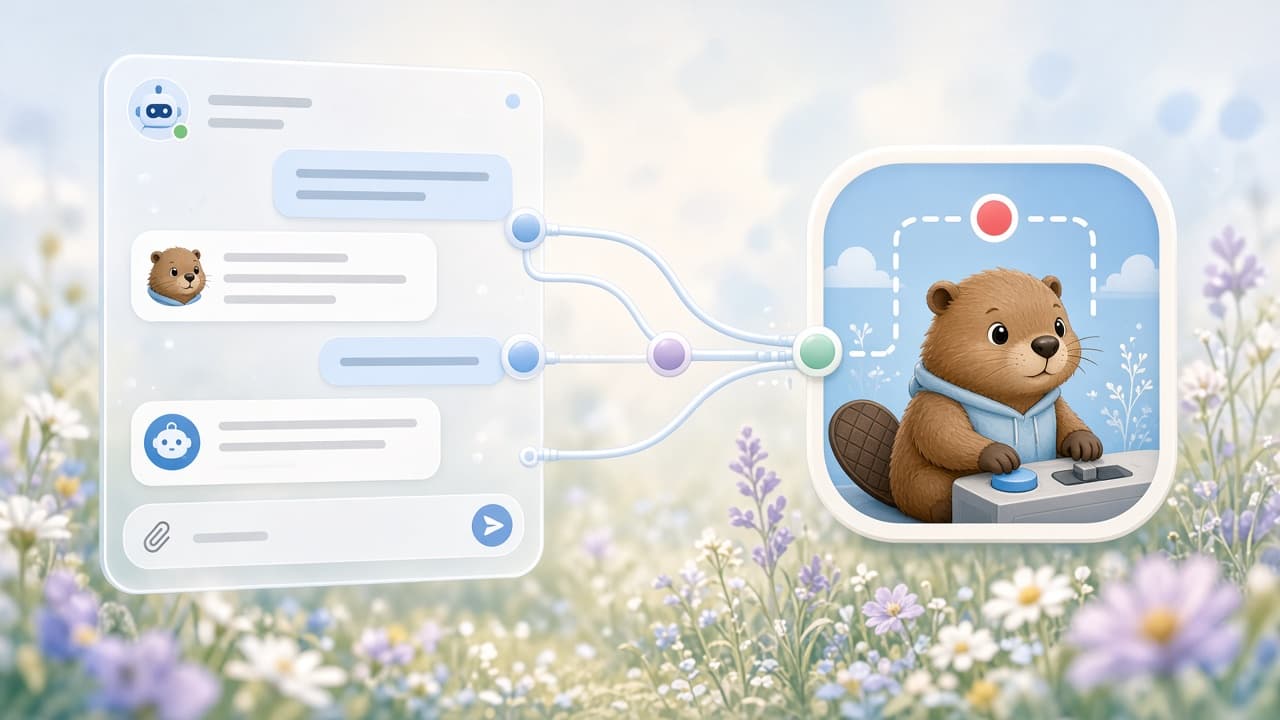
Let the first take be imperfect
Ask the agent to run the flow while Screen Beaver captures it. Auto zoom can identify meaningful clicks, fields, and menu selections; captions can grow from the planned beats; optional Edge TTS can provide a steady voiceover. The first pass may still expose an awkward loading state, hover the wrong row, or reach a result before the interface settles. That is useful evidence, not failure. Decide whether the cause belongs to the prompt, the seeded account, or the product itself, then rerun only after fixing it. Repeating a deterministic route is where agent-driven capture earns its keep. The first take reveals the rough edges; the second usually becomes the edit.
Review the edit like a human
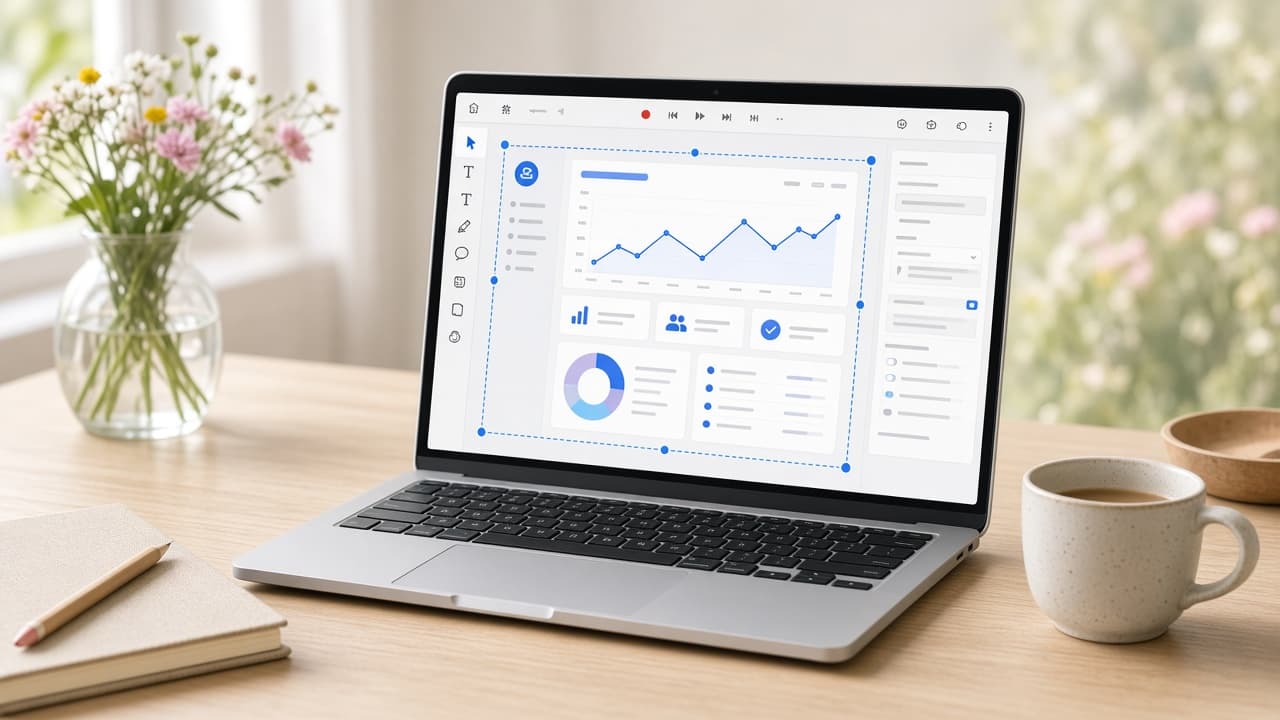
Automation should remove repetitive clicking, not judgment. Open the generated timeline and watch once with sound, then once muted. Delete a zoom that lands on an unimportant checkbox. Shorten the dead second before a modal opens, but keep enough time for the changed state to register. Rewrite captions that narrate the pointer—“click Settings”—into captions that explain the benefit—“Set a team-wide default.” Check every typed value and scan the whole frame for notifications or customer-shaped data. If Edge TTS mispronounces a product name, revise the sentence or leave that section caption-only. A clean silent demo is better than a synthetic voice you do not believe.
Build a recipe your team can rerun
Save the final prompt beside the Screen Beaver project, along with the seeded-data steps, capture resolution, and any manual boundaries such as a passkey. That small recipe turns one clever recording into release infrastructure. A teammate should be able to open the staging account, restore the known state, and understand why each pause exists. When a button moves next month, the agent can repeat the route and you can compare the fresh scene with the old timeline. Without those notes, automation still depends on the person who remembers the setup; with them, updating a tutorial becomes a routine release task.
Export locally and keep the source
When the cut holds up, export an H.264 MP4 on the same Windows machine. Local export matters for unreleased interfaces and realistic sample data, and it means you are not waiting on a cloud render queue five minutes before launch. Watch the actual exported file at the size and volume your audience will use; timeline playback cannot reveal every compression or caption problem. Keep the project and master MP4 beside the release assets rather than treating the upload as the only copy. The payoff is not a tutorial made without human involvement. It is a tutorial made without another afternoon of repetitive clicking, while the product judgment stays exactly where it belongs.