PRODUCT·MAY 3, 2026
Screen Studio for Windows | without the Mac-only compromise
Cinematic demos on PC, plus MCP so Cursor can film the walkthrough while you review the timeline.
Screen Beaver Team·9 min read
If you searched for “Screen Studio for Windows,” you probably aren’t asking for another basic recorder. Windows already has ways to capture pixels. You want the finish people associate with a considered product video: a framed canvas, smooth zooms, a controlled pointer, readable captions, and an export you can put on a homepage without apologizing for it. Screen Beaver is built around that job on Windows. It doesn’t ask you to borrow a Mac or send every sensitive take to a browser-based editor. More importantly, it treats the polished demo as the primary output, rather than making you assemble that result from a recorder, caption service, and general-purpose video editor.
Recording is the easy part
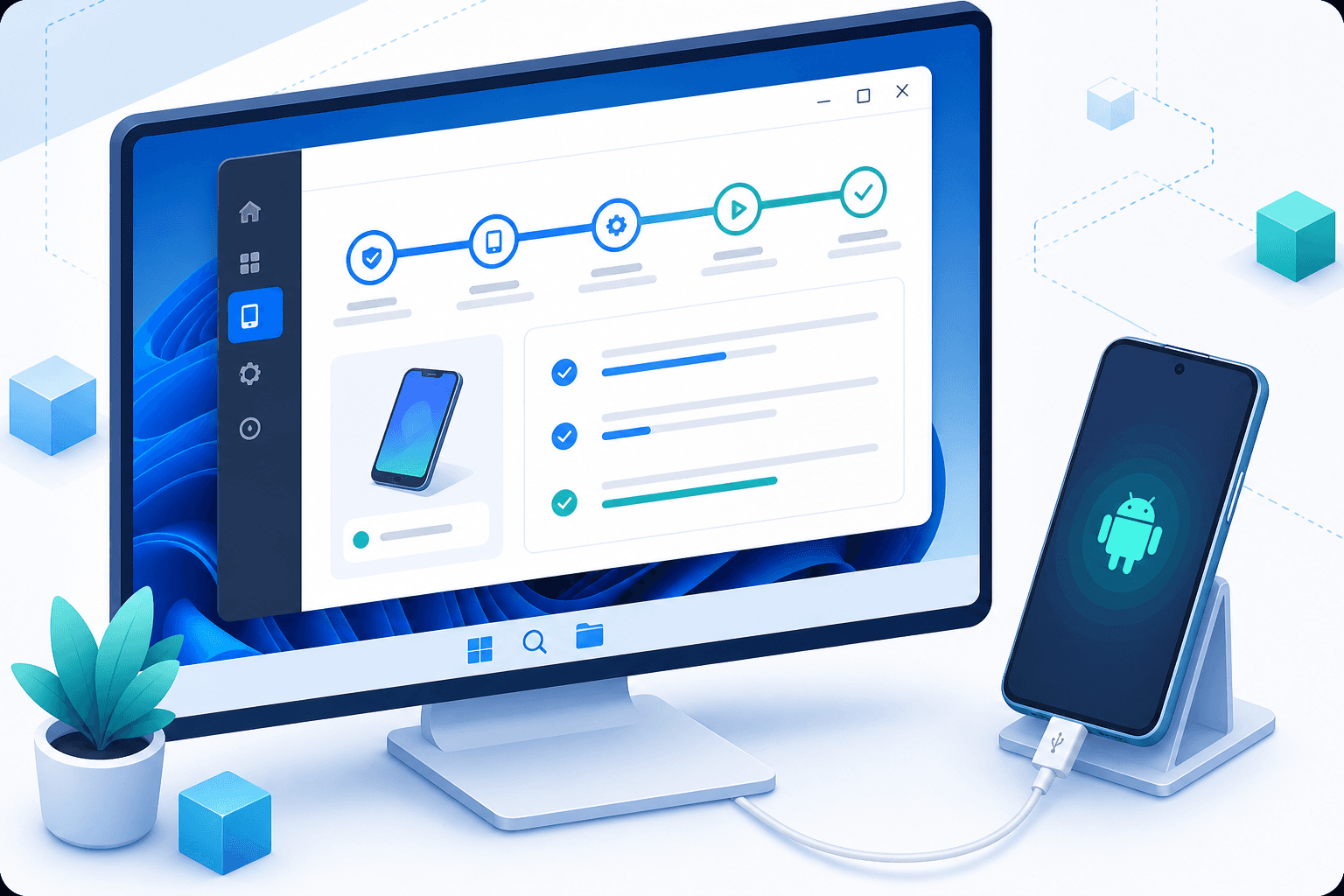
A raw capture is only the source material. The annoying work starts afterward: hiding a rough desktop, directing attention to a tiny control, trimming pauses, adding captions, and exporting at a quality that survives web compression. Screen Beaver combines capture and polish in one desktop workflow. Record a display, a specific window, or a browser tab, then work on the timeline without rebuilding the scene in a full nonlinear editor. That narrower scope is intentional; it keeps common demo edits close instead of burying them under film-production controls.
A Windows-native workflow changes the details
Windows capture has its own rough edges: mixed-DPI monitors, app windows that resize unexpectedly, notification banners, and hardware encoders that behave differently across machines. A useful workflow acknowledges those constraints. Pick one recording resolution, move the target app onto that display, disable notifications, and run a ten-second test before the real take. Open the menus and tooltips the final route will use, because they can cross window boundaries or land on another display. If the text looks soft, fix scaling before recording; no amount of decorative background will restore detail that wasn’t captured. Keep the tested setup unchanged until the useful takes are finished.
- Capture only the window or tab when the desktop adds no context
- Use a consistent canvas and padding across a series
- Test pointer visibility against both light and dark screens
- Keep local disk space free for high-quality intermediate footage
Polish should guide, not decorate
Auto zoom is most useful when it explains the hierarchy of an unfamiliar interface. Punch into the small permission menu, stay wide when the report updates, and skip the zoom on a routine Next button. Captions should add the reason behind an action rather than repeat its label. Sound effects can make an important transition land, but using one on every click turns a serious workflow into a toy. Screen Beaver gives you these tools quickly; it still expects you to make the final call.
Agents can handle repeatable takes
For a flow you’ll record more than once, connect Cursor, Claude, Windsurf, or another MCP client through `@screenbeaver/mcp`. Describe the start state, safe sample data, visible steps, and final proof, then let the agent operate the product while Screen Beaver captures. This works especially well for release tutorials whose interface changes every few weeks. The repeatable route means you can refresh a changed scene without asking someone to remember exactly how they moved through it last quarter. It is less suitable for a spontaneous founder story or a demo that depends on human timing. Automation is a production option, not a requirement.

Make a system, not a one-off export
The best Windows workflow should survive the next product release. Save the Screen Beaver project with the recording resolution, demo-account reset instructions, approved captions, and any agent prompt used for the take. Keep a clean master before making shorter social or sales versions. When the interface changes, replace the affected scene and preserve the pacing decisions that still work. That discipline is less glamorous than a cinematic background, but it is what keeps a library of demos current. A polished video is useful once; a documented project that another teammate can safely reopen becomes part of how the product ships.
Keep the final file on your machine
Screen Beaver exports H.264 locally, so an unreleased admin panel doesn’t need to visit a third-party render server. Local encoding also makes iteration predictable: change a caption, export again, and upload the MP4 wherever the campaign lives. The tradeoff is that your PC does the work, and older hardware may render more slowly. For most teams, that’s a fair exchange for ownership of the source, the project, and the final file—and for finally having a Windows demo studio that feels designed for shipping.