GROWTH·AUGUST 5, 2026
SaaS demo strategy: ship the walkthrough before you ship the slide deck
A practical product marketing playbook for founders, record once, polish once, reuse the same demo cut across sales, launch, and docs.
Screen Beaver Team·10 min read

SaaS teams can spend a week refining a launch deck that customers never see, then record the actual product walkthrough ten minutes before the call. That order is backward. The walkthrough forces the hard questions: Which problem are we solving? Can someone understand the result without a presenter? Does the feature look finished with realistic data? Build the demo first and the deck becomes easier. Better yet, one strong Screen Beaver project can feed the homepage, sales follow-ups, docs, onboarding, and social cutdowns.
Define one audience and one promise
A demo for an engineering lead should not follow the same route as one for a finance owner. Pick a specific viewer and write the promise in a sentence: “See which deployment introduced the error in under a minute.” Every scene should support that claim. Name what the viewer already knows and what objection the walkthrough must settle; those assumptions determine whether setup is helpful or tedious. This sounds restrictive, but it prevents the usual tour of Dashboard, Settings, Integrations, and three features nobody asked about. You can always make another cut from the master. A vague video that tries to serve everyone usually serves no one.
Record a complete master, then cut down
Capture the clearest full path first: initial state, important decision, action, and visible payoff. Use seeded data and a repeatable account so the result doesn’t depend on luck. Screen Beaver can record a display, window, or tab on Windows, and `@screenbeaver/mcp` lets Cursor, Claude, Windsurf, and other MCP clients run a defined flow. Agent capture is especially handy when you know sales, docs, and launch will each need slightly different versions of the same walkthrough.
- Homepage: lead with the payoff and keep the cut under a minute
- Sales: retain setup, edge cases, and the next operational step
- Docs: split the master into focused, searchable task segments
- Onboarding: slow the pacing and explain the expected starting state
- Social: open on the result and burn in concise captions
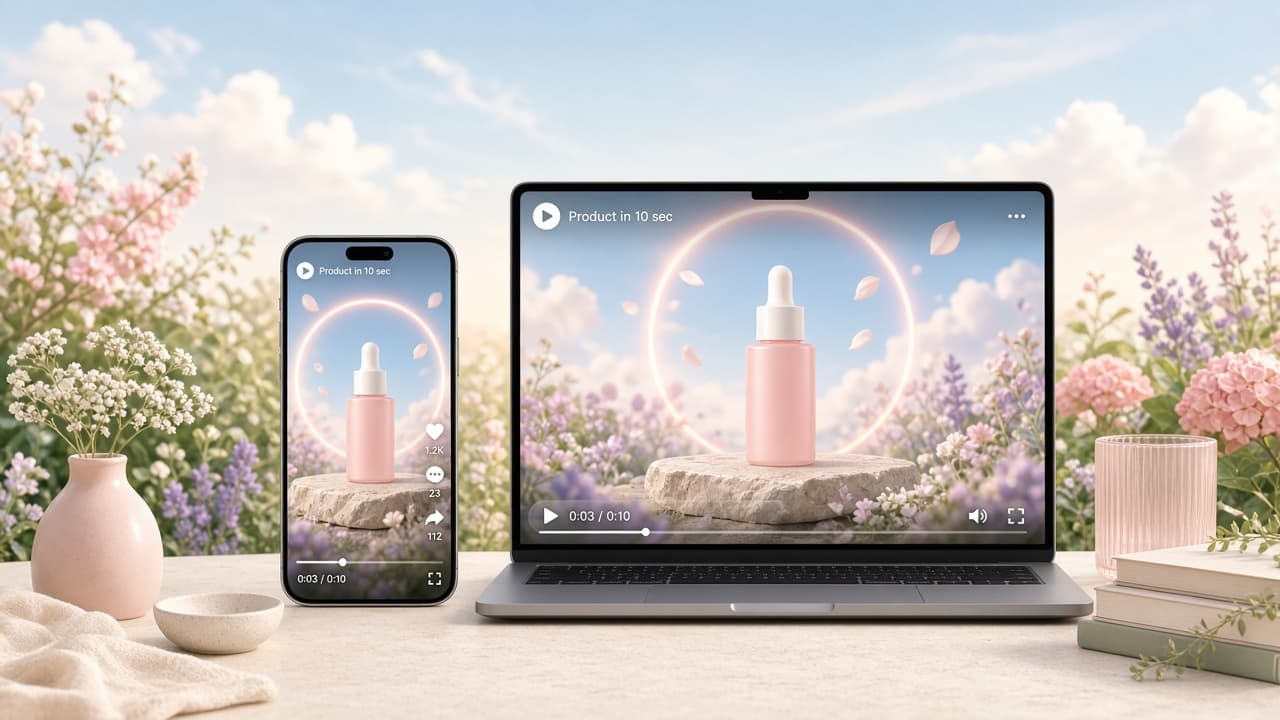
Design for reuse while recording
Leave clean boundaries between beats. Pause after the report loads, let the success state sit on screen, and avoid narration that runs across three separate actions. Those gaps make it possible to lift a scene without a jarring sentence or half-finished zoom. Captions should be editable units, not a paragraph spread over the whole timeline. Optional Edge TTS helps when you need alternate narration later, but don’t lock the visual timing to an overly dense script.
Match polish to the channel
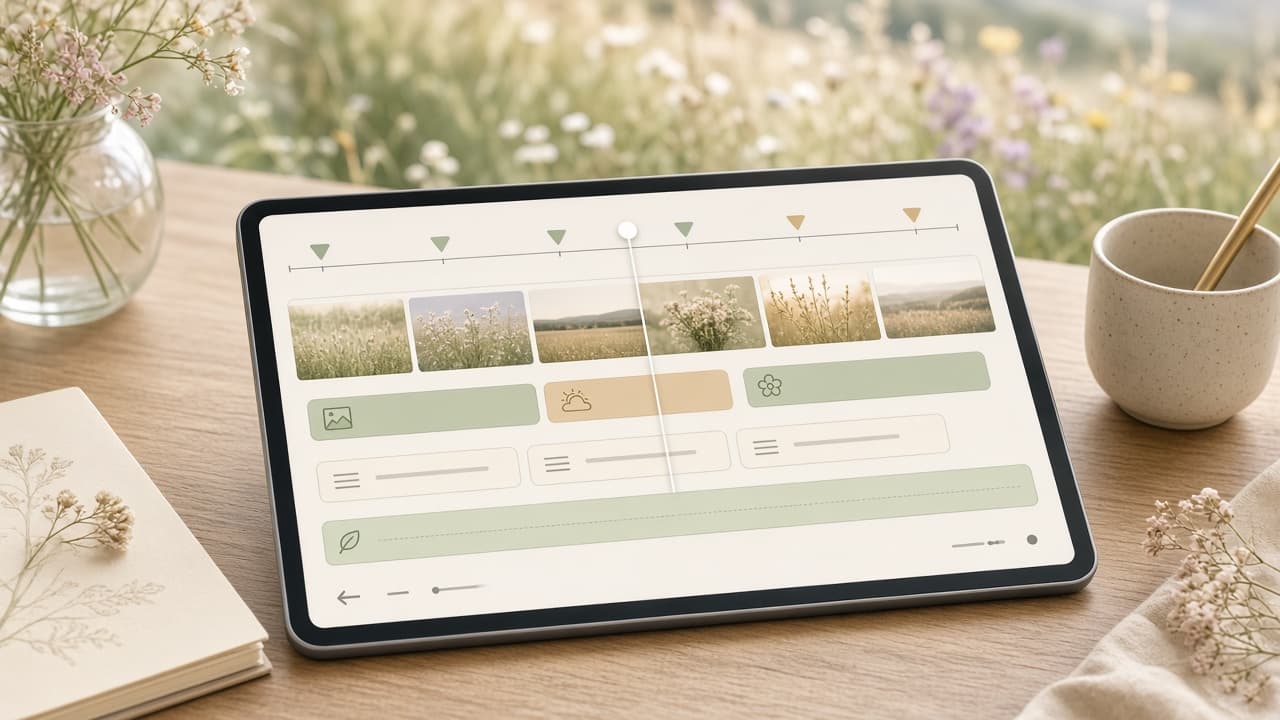
The homepage can justify a composed background, selective auto zoom, and careful sound design. A documentation clip may be better with no music and a wider frame that preserves orientation. Sales often needs the least flashy version because buyers pause, ask questions, and inspect details. Social needs a fast first proof and captions that survive a small silent player. Screen Beaver keeps these choices on the timeline, so reuse does not mean publishing one identical MP4 everywhere. It means starting from trusted footage and changing only what the channel requires. Duplicate the edit before changing pace or crop, and keep one clean master that is not optimized into a corner.
Measure comprehension, not applause
View count is a weak signal on its own. For a homepage demo, look at play rate, meaningful completion, and the next click. For sales, ask whether the clip reduced repeated explanation or moved a buyer to a technical conversation. For docs, fewer support questions about the demonstrated task can matter more than plays. Show an early cut to someone outside the feature team and ask them to describe the payoff. If they remember the zooms but not the result, simplify.
Treat the project as release infrastructure
Keep the Screen Beaver source project, recording prompt, seeded-data instructions, approved copy, and locally exported H.264 files together. Assign an owner and note which release or interface version the master shows. When the UI changes, rerun the flow or replace the affected scene instead of scheduling another miniature production. There is a tradeoff: maintaining repeatable demo data takes discipline, and somebody must decide when a visual difference is worth a refresh. It is still cheaper than discovering that five outdated videos each need a custom reshoot. Ship the walkthrough before the slide deck, and you end up with a clearer launch story plus assets the rest of the company can actually use.