PRODUCT·AUGUST 6, 2026
Product demo videos that feel human | not another flat screen share
Why founders are swapping raw Loom-style shares for cinematic product demos with auto zoom, captions, and local export, and how Screen Beaver gets you there.
Screen Beaver Team·9 min read

A raw screen share proves that a feature exists. A good product demo helps someone imagine using it. The difference isn’t a glossy background or a dramatic soundtrack; it’s attention. Human-feeling demos pause where a viewer would pause, point at the part that answers the obvious question, and leave enough room for the result to register. Screen Beaver helps with the production work—capture, auto zoom, captions, voiceover, and local export—but the sense of judgment still comes from the story you choose.
Begin with a believable problem
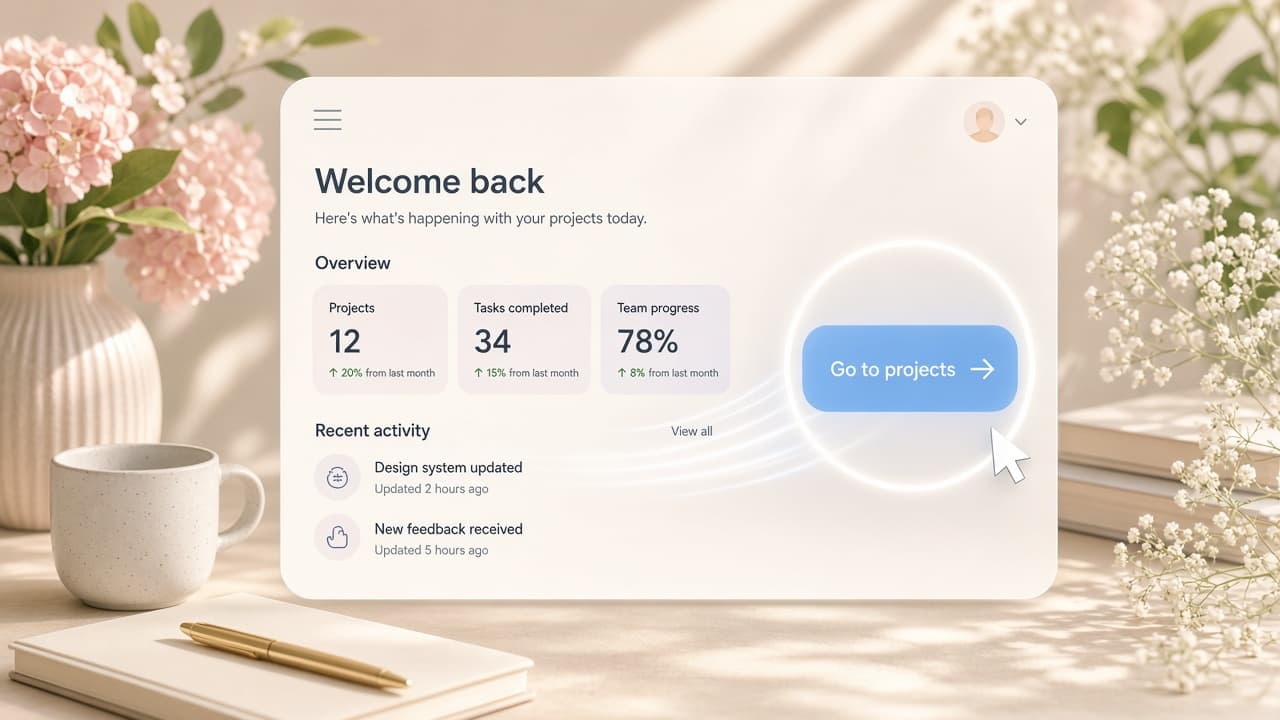
“Welcome to our platform” is rarely a useful opening. Start with a recognizable moment: a support lead has twenty unanswered conversations, a developer needs to trace one failed job, or a founder wants to invite a contractor without exposing billing. Then show the shortest path to relief. Concrete sample data matters here. A dashboard full of “Test 123” records makes the product feel unfinished, while a tidy but plausible workspace lets viewers focus on the workflow. Give the sample account a little history—a sensible project name, two recognizable teammates, one believable alert—without turning it into set decoration. The details should make the task legible, not compete for attention.
Let the pointer behave like a person
Real users don’t teleport between controls, but they also don’t circle a button three times before clicking it. Move with intent and stop touching the mouse when the screen is explaining itself. If you record manually, rehearse the route once and place the pointer near the first target before capture. If Cursor, Claude, or Windsurf drives the flow through `@screenbeaver/mcp`, ask for pauses after important results. The agent can repeat a clean route, but you should still reject a take with distracting pointer travel.
- Show one problem and one payoff in each short scene
- Use zooms to clarify small controls, not to manufacture excitement
- Write captions that explain consequences rather than button labels
- Keep mistakes that add warmth; remove mistakes that add confusion
- End on the changed state, not on the click that caused it
Use motion with restraint
A soft punch into a compact menu can feel like an editor guiding your eye. Five punches in ten seconds feel like the camera is panicking. Run Screen Beaver’s auto polish, then remove anything that doesn’t improve comprehension. The same rule applies to click sounds and transitions. One sound can mark a satisfying change; constant effects make a business tool sound like an arcade cabinet. Restraint isn’t less polished. It’s evidence that someone watched the cut and made decisions.
Make mute viewing a first-class case
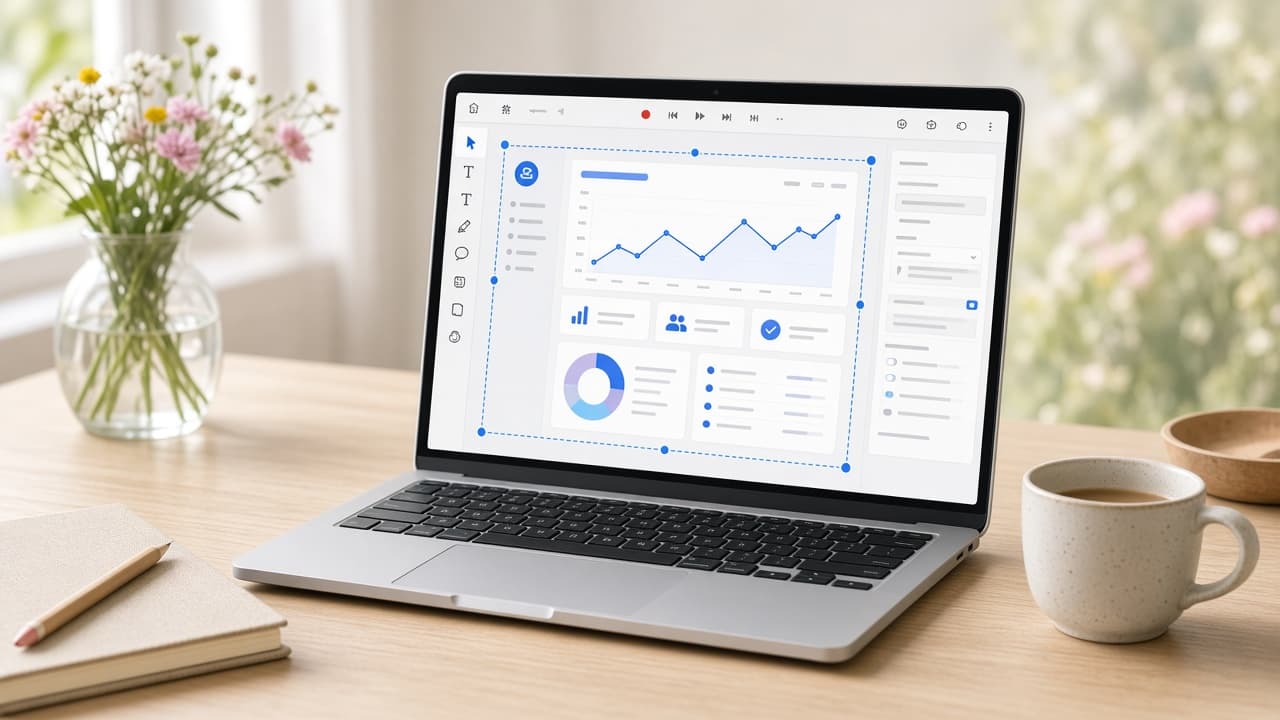
Captions are part of the composition, not cleanup after the edit. Keep them away from the active interface and give each line time to land. Write what the pixels cannot say: who benefits, what changed, or why the step matters. Test the video muted at the size it will actually appear on a page or feed, including any platform controls that cover the lower edge. Optional Edge TTS can provide consistent voiceover when a microphone session is not practical, but do not use it merely because the track exists. A slightly imperfect human voice may fit a founder story better; captions alone may fit a fast social cut.
Edit out waiting, not understanding
Trimming every pause makes a demo shorter and often worse. Remove the cursor hunt, the accidental backtrack, and the four-second network delay. Keep the beat where a new report appears or a permission change becomes visible. Viewers need time to compare before and after. A useful test is to show the cut to someone who hasn’t seen the feature and ask what changed. If they can describe the clicks but not the outcome, the edit is moving too fast or explaining the wrong thing.
Ship a file you own
Export the finished H.264 MP4 locally from Screen Beaver and keep the editable project with your launch assets. Local export protects unreleased product footage and avoids making a cloud render queue part of your deadline. Test the master in its real destination before making five variants; a homepage embed, sales message, and social feed expose different pacing and readability problems. More importantly, preserving the project makes future updates less painful. When the interface changes, rerun an agent-driven flow or record a replacement scene, then reuse the editorial choices that still work. Save the prompt and demo-account reset notes as part of that source. Human does not have to mean handmade from scratch every time.