STUDIO·AUGUST 10, 2026
Local H.264 export: private product demos that never leave your machine
Why founders choose on-device MP4 encode for dashboards, betas, and launch cuts, and how Screen Beaver keeps export local-first.
Screen Beaver Team·9 min read

Cloud video editors are convenient until the recording contains next quarter's pricing, a customer's dashboard, or an admin panel full of realistic data. Then “just upload the take” turns into a security review, often after the file has already started transferring. Screen Beaver records and prepares the demo on Windows, then encodes the finished H.264 video on the same machine. That doesn't magically make the workflow compliant, and we wouldn't claim it does. It simply removes an unnecessary copy of sensitive footage from someone else's processing queue while giving the team a familiar MP4 at the end.
Privacy includes the boring frames
Teams usually notice the obvious secret in a demo and miss everything around it. A notification can expose a customer name. A browser tab can reveal an internal project. An autocomplete menu can show email addresses for half a second. Local export narrows exposure, but good capture hygiene still matters: use a dedicated browser profile, turn off notifications, close unrelated apps, and populate the demo account with deliberate data. If the source frame contains a secret, a local encoder will faithfully preserve that secret in excellent quality.
For a private beta, create one clean workspace with believable names and no production integrations. For a sales walkthrough, ask the account owner which fields are safe before recording rather than blurring twenty things later. Blurs can slip when the window moves or an auto zoom reframes the scene. Prevention is less glamorous than editing, but it's faster and more reliable. We also recommend making a five-second test recording and opening it at full resolution before committing to a long take.
Why H.264 remains the practical default
H.264 isn't the newest codec, and it won't win every file-size comparison. It does win on compatibility. An MP4 encoded with H.264 plays in browsers, presentation software, learning systems, social platforms, and the slightly ancient laptop in a conference room. That broad support is valuable when a launch file has to move quickly. Newer codecs can be smaller at similar quality, but needing a recipient to install a codec pack is a poor trade for most product demos.
- Window capture for a focused flow with less accidental desktop exposure.
- Captions and auto zooms reviewed before the final render, not patched afterward.
- A high-quality master kept locally for future crops and shorter derivatives.
- A smaller delivery copy tested in the actual sales deck, help center, or launch page.
Quality settings need a destination
There isn't one perfect bitrate. Tiny text, scrolling tables, and animated gradients need more data than a static settings page. Export a short difficult section first—the part with the most motion or smallest UI—and inspect it at normal playback size. If labels smear during a zoom, raise quality before rendering the whole project. If the file is going into a web page, balance clarity against load time. Keep the sharper master even when the delivery version is compressed; future you may need a vertical crop.
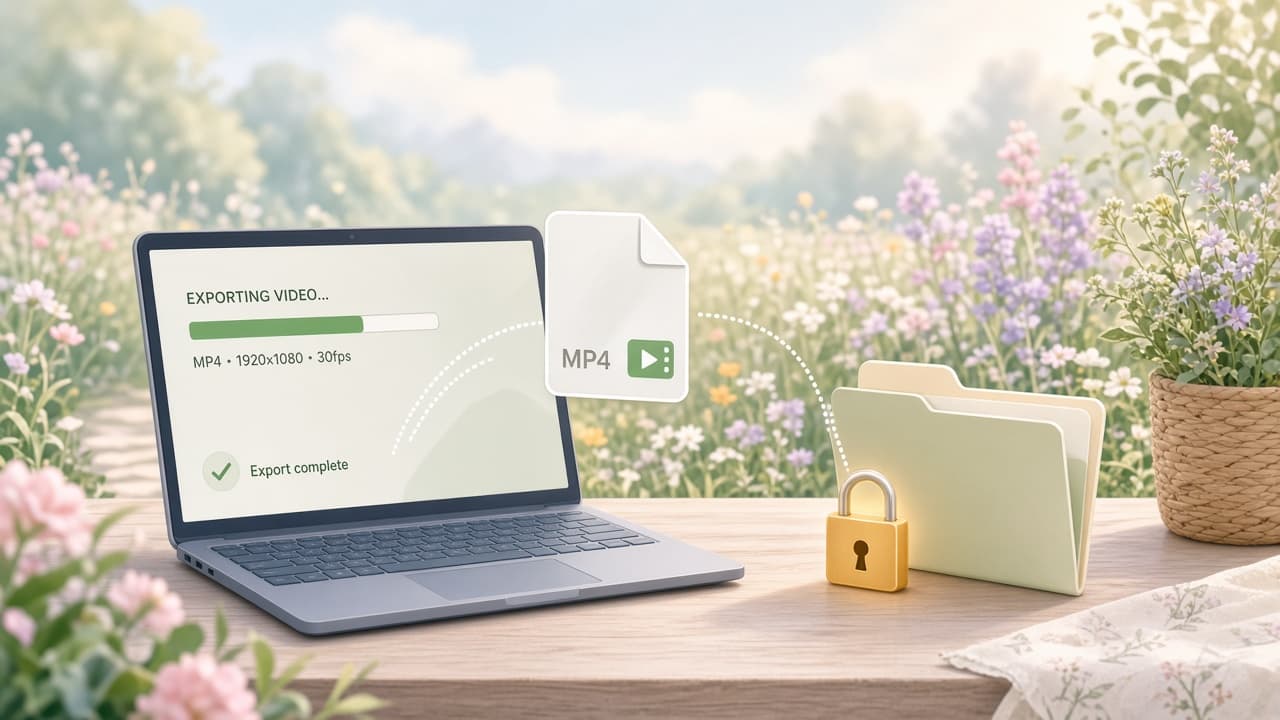
Screen Beaver applies timeline work before export, so pointer treatment, captions, scene effects, and sound cues arrive in the MP4 together. The encode runs through local browser capabilities in Chrome or Edge rather than sending the take to a render farm. Optional services, such as searching for music, may involve a network request when you choose them. That's different from requiring the source recording to leave the machine. Be precise about that distinction when documenting the workflow for a security team.
Encoding locally also changes the review loop. You can make a tiny caption correction, adjust one auto zoom, and render again without uploading a multi-gigabyte source file or waiting behind a shared cloud queue. On an ordinary Windows laptop that may still mean hearing the fans and waiting a few minutes; local doesn't mean instant. Close heavy applications, keep the machine awake, and avoid recording another take during export. For an embargoed feature, that predictable inconvenience is often a fair trade for knowing exactly where the source, cache, project, and final MP4 live.
Local-first still needs operational discipline
A local file can be copied to an unmanaged drive, synced by a desktop backup client, or attached to the wrong chat just as easily as any other file. Decide where projects and exports belong, set retention rules, and use encrypted storage when the content demands it. Delete abandoned takes after approval instead of collecting a museum of outdated customer screens. For sensitive reviews, share through the company's approved channel and confirm who can download the asset. Local export reduces one risk; it doesn't replace access control.
The practical payoff is control. You can record an unreleased feature, refine the auto zooms, add captions, and produce a standard MP4 without waiting for a large upload or wondering where a temporary render lives. That's useful on a slow connection and reassuring during embargoed launch work. Test the exported file on a second machine, watch it once for accidental disclosures, and then distribute the approved copy. Privacy is strongest when the tooling and the team's habits point in the same direction.