GROWTH·AUGUST 2, 2026
Launch videos that catch attention on social | without a motion designer
How to cut product demos for LinkedIn, X, and short-form: punch-ins, captions, sound design, and local export that survives compression.
Screen Beaver Team·9 min read

Social feeds don’t punish product videos because software is boring. They punish slow openings, unreadable interfaces, and clips that require the viewer to supply context. A flat recording of someone logging in and navigating three menus asks for patience nobody promised. A useful launch cut shows the result quickly, then earns another few seconds by explaining how it happened. Screen Beaver provides the Windows recording and editing tools, but catching attention still starts with a sharp choice about what deserves to be shown.
Open on evidence, not branding
The first frame should make a claim visible. Show the generated dashboard, the resolved error, or the clean before-and-after comparison. Then rewind just enough to reveal the action behind it. The evidence needs to be legible without the post text, because many viewers encounter an autoplaying clip before reading the caption around it. A logo animation can work for a known brand, but for most product launches it spends the highest-value seconds saying nothing. Put the product name in the post copy or a small title. Let the software itself provide the reason to stop scrolling, then use the next scene to prove the result was not a trick.
Compose for a small, silent player
Your editor preview may be wide and generous; the feed version may occupy half a phone screen. Increase interface scale before recording when possible, crop around the useful region, and use selective auto zoom for small controls. Don’t crop so tightly that viewers lose orientation. Captions need strong contrast and fewer words than a documentation video. Test the cut muted on an actual phone. If you can’t identify the feature and payoff there, extra sound design won’t rescue it.
- Show a concrete payoff in the first three seconds
- Burn in captions that add meaning beyond the visible click
- Use a handful of decisive zooms instead of constant motion
- Keep important text away from platform overlays and crop edges
- End on a stable result with a simple next step

Make motion feel editorial
A soft zoom into the control that changes the scene can create anticipation. A tighter punch on the result can underline the payoff. Zooming on every click just makes the viewer seasick. Screen Beaver’s auto polish is a first pass; remove movements that don’t guide attention and retime those that arrive late. The same restraint applies to whooshes and click sounds. One well-placed effect can make a transition satisfying. A sound on every interaction feels like a slot machine.
Cut for each network, not an imaginary average
LinkedIn may reward a concise professional explanation, while X often needs the payoff almost immediately and a loop-friendly ending. Short-form vertical video demands a crop planned around the center, not a widescreen recording squeezed between empty bars. Start with one clean master timeline in Screen Beaver, duplicate the edit, and adjust pacing, framing, captions, and ending for the destination. Optional Edge TTS can supply narration, but the captions and visual sequence still need to work when someone lands halfway through with sound off. Reuse the footage, not necessarily the exact cut. Platform behavior changes; clear visual storytelling travels better than a format trick.
Protect quality before the platform compresses it
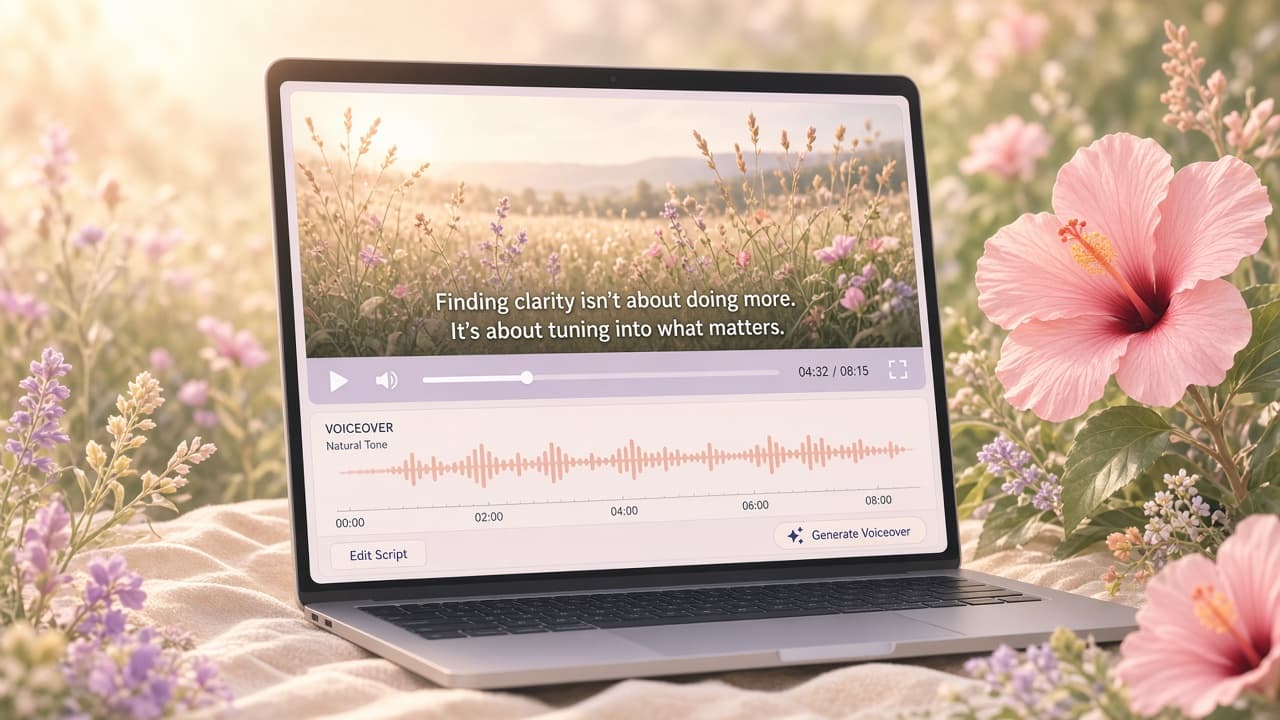
Feed platforms will re-encode your upload, sometimes aggressively. Record crisp source footage, avoid tiny type, and export a clean H.264 MP4 locally rather than downloading an already-compressed preview from another service. Upload a private test and inspect moving text, gradients, caption edges, and quick zooms on the same kind of phone your audience uses. If the interface turns to mush, simplify the crop or slow the movement before reaching for a larger file. Higher bitrate is not a cure for poor composition, and giant files can slow your workflow, so test a sensible export instead of chasing arbitrary numbers. Keep the clean master outside the social platform so the next cut never starts from a compressed download.
Build a repeatable launch loop
Save the Screen Beaver project with its staging account, reset instructions, beat list, and the safe margins used for each network. If the product UI changes, Cursor, Claude, Windsurf, or another client connected through `@screenbeaver/mcp` can rerun the defined walkthrough while you supervise. That makes it realistic to refresh the clip instead of leaving an outdated launch video pinned for a year. Keep the strongest master scene reusable, but write a fresh opening when the audience or announcement changes. Track which proof and payoff hold attention, while remembering that a view-through rate cannot tell you whether the claim felt credible. The best social demo catches the eye, explains one real benefit, gives the viewer a clear next step, and stops before it wears out its welcome.