GUIDE·AUGUST 3, 2026
From idea to demo video in one afternoon | a founder’s checklist
A same-day workflow to go from feature idea to export-ready product demo: script beats, record, auto polish, captions, local MP4.
Screen Beaver Team·9 min read
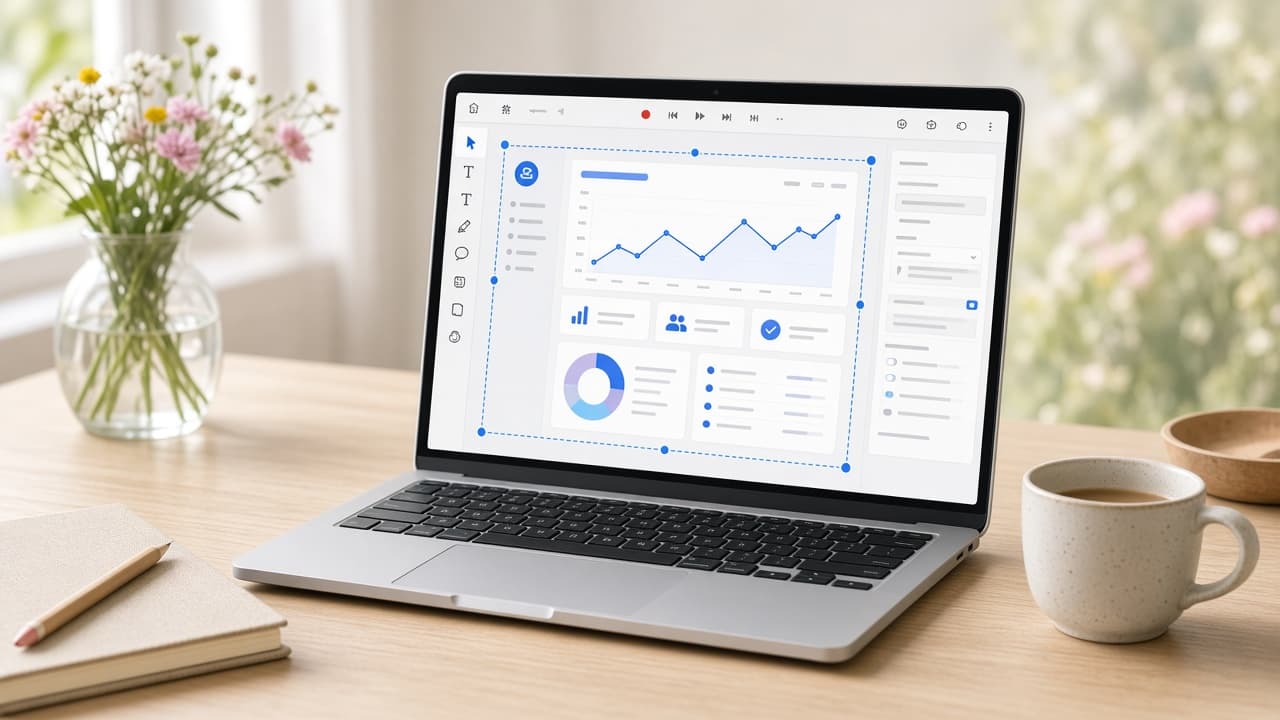
You can make a credible product demo in one afternoon, but only if you stop treating it like a tiny film festival. The goal isn’t to explore every animation, audition twelve songs, or explain the company’s origin story. It’s to show one valuable change clearly and ship a file that works where people will watch it. Screen Beaver shortens the mechanical work on Windows—recording, zooms, captions, voiceover, and local export—so the afternoon can go toward decisions instead of tool switching.
Hour one: choose the payoff
Write one sentence from the viewer’s perspective: “I can turn a support conversation into a tracked issue without copying details.” Then outline five to seven visible beats from the starting state to that result. For each beat, note what changes on screen and why the viewer cares; if neither is clear, cut it. Remove detours into account setup or unrelated settings, and choose a final frame that proves the promise. Prepare believable sample data and make sure the flow works twice in a row. If it does not, the recording session will become a debugging session, and your tidy afternoon plan is gone. Stability is part of preproduction, even for a same-day video.
Hour two: prepare the stage
Choose one capture target and resolution. Close private tabs, disable notifications, hide bookmarks, and put the app in a known state. Check text size at the final viewing size, not just on your monitor. Record a ten-second sample in Screen Beaver and inspect it for soft type, clipped menus, and an invisible pointer. This setup feels fussy when you’re eager to start, but it prevents the much more irritating discovery that an otherwise good take exposed a personal email banner.
- One audience, one problem, and one visible payoff
- Five to seven beats with realistic seeded data
- A clean window or tab at a tested resolution
- Pauses after decisions and changed states
- A final review both muted and with sound
Hour three: capture two clean routes
Rehearse once, then record twice. On the first take, focus on completing the flow accurately. On the second, slow down at every decision and let each result sit. The calmer take usually edits better. If the route is repetitive, connect Cursor, Claude, Windsurf, or another MCP client through `@screenbeaver/mcp` and ask the agent to perform the beat list while Screen Beaver records. Stay present: unexpected loading, duplicate controls, and stale sample data can still confuse an otherwise capable agent.
Hour four: make the first edit
Run auto polish, then watch the complete pass before changing anything. Keep zooms that clarify a compact control and delete moves that merely follow clicks. Trim genuine waiting and pointer correction, but preserve enough time to understand the before-and-after state. Check the pointer path, typed values, notification area, and browser chrome before polishing decorative details. A few deliberate punches look more confident than constant camera motion. Add sound effects only where they mark a real transition, and listen at ordinary laptop volume. If you are deciding between two almost identical adjustments for more than five minutes, pick one and keep moving. The afternoon succeeds because you protect the deadline from low-value choices.
Hour five: write for mute playback
Add captions that explain why each action matters. “The assignee gets the full conversation context” is better than “Click Create issue.” Keep one idea per caption and leave clear space around the active UI. Optional Edge TTS can create a consistent voiceover from the revised copy, but listen to every line. Product names and technical terms may need rewriting to sound natural. If voiceover adds another hour of cleanup, ship a strong captioned version first and record narration later.
Final hour: export and test the real asset
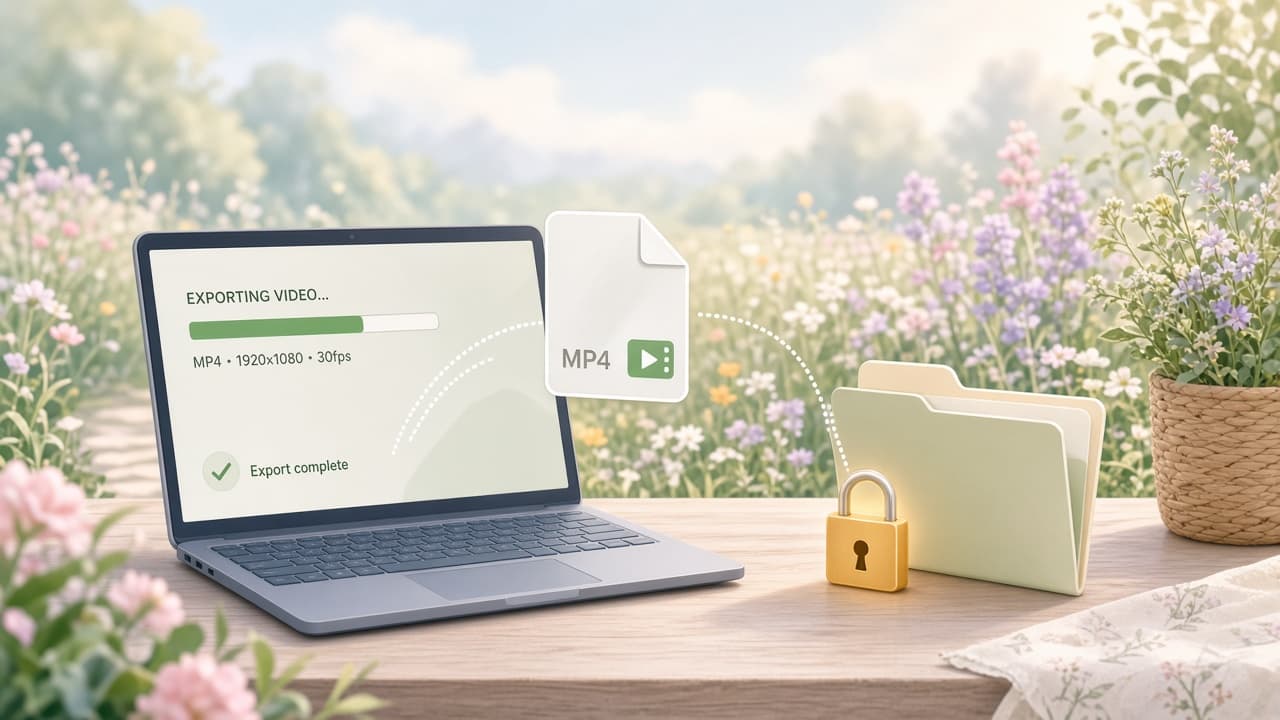
Export H.264 locally from Screen Beaver, then watch the actual MP4 from beginning to end without scrubbing. Test it at the embedded size and upload it to the intended platform privately if compression is a concern. Check the first three seconds, caption readability, audio level, pointer visibility, and final frame. Send the private link to one person who did not build the feature and ask what changed; a confused answer is better feedback than “looks nice.” Save the project, prompt, and sample-data notes together. You may not finish every alternate crop before dinner, and that is fine. One clear published demo beats six hypothetical variants waiting for a perfect production day.