STUDIO·AUGUST 1, 2026
Captions, localization, and export-ready demos that still look premium
Burn-in vs SRT, AI voiceover, and local H.264, how Screen Beaver keeps product tutorials readable across languages without a re-record.
Screen Beaver Team·9 min read

A demo isn't finished just because it sounds good through your headphones. We learned that the irritating way: a launch clip that worked in a quiet review became hard to follow on a muted social feed, and its hurried captions covered the exact button being demonstrated. The same video may be projected in a noisy sales room or opened by someone who understands the product but not the narrator's language. Captions solve part of that problem, but only when they're treated as part of the edit. The useful goal is a master cut that stays readable, translatable, and easy to export without recording the workflow again.
Start with a clean master transcript
Automatic transcription is a starting point, not an editor you can blindly trust. Product names, plan tiers, keyboard shortcuts, and invented words are exactly where speech recognition tends to stumble. Read the transcript once while watching the cursor. Fix “Screen Beaver” if it became “screen beaver,” remove filler that adds no meaning, and split long sentences around visible actions. A caption should support the beat on screen; it shouldn't cover three clicks because the narrator spoke without taking a breath.
Keep each cue short enough to scan. Two compact lines usually beat one subtitle stretching across the entire product window. Timing matters just as much as wording: bring a cue in when the idea begins and clear it before the next action asks for attention. Screen Beaver keeps captions with the edited take, so trims and zooms can be reviewed in context. That connection saves the common last-minute mess where a cut changes but an old subtitle file still describes the deleted step.
Choose burn-in, SRT, or both
Burned-in captions are dependable. They look the same on social feeds, inside a sales deck, and in chat apps that discard subtitle tracks. You control type, position, and contrast, but viewers can't hide them or switch languages. An SRT sidecar is more flexible for YouTube, an LMS, or an accessible help center because the player can expose language choices. It also depends on the destination handling subtitles correctly. For most launch work, we export a branded burn-in version and archive an SRT beside the clean master.
- Use burn-in for mute-first feeds and files passed directly between people.
- Use SRT when the player supports selectable captions and accessibility controls.
- Keep a clean master when partners may add their own typography or translation.
- Name locale exports clearly, such as onboarding-en-US.mp4 and onboarding-de-DE.srt.
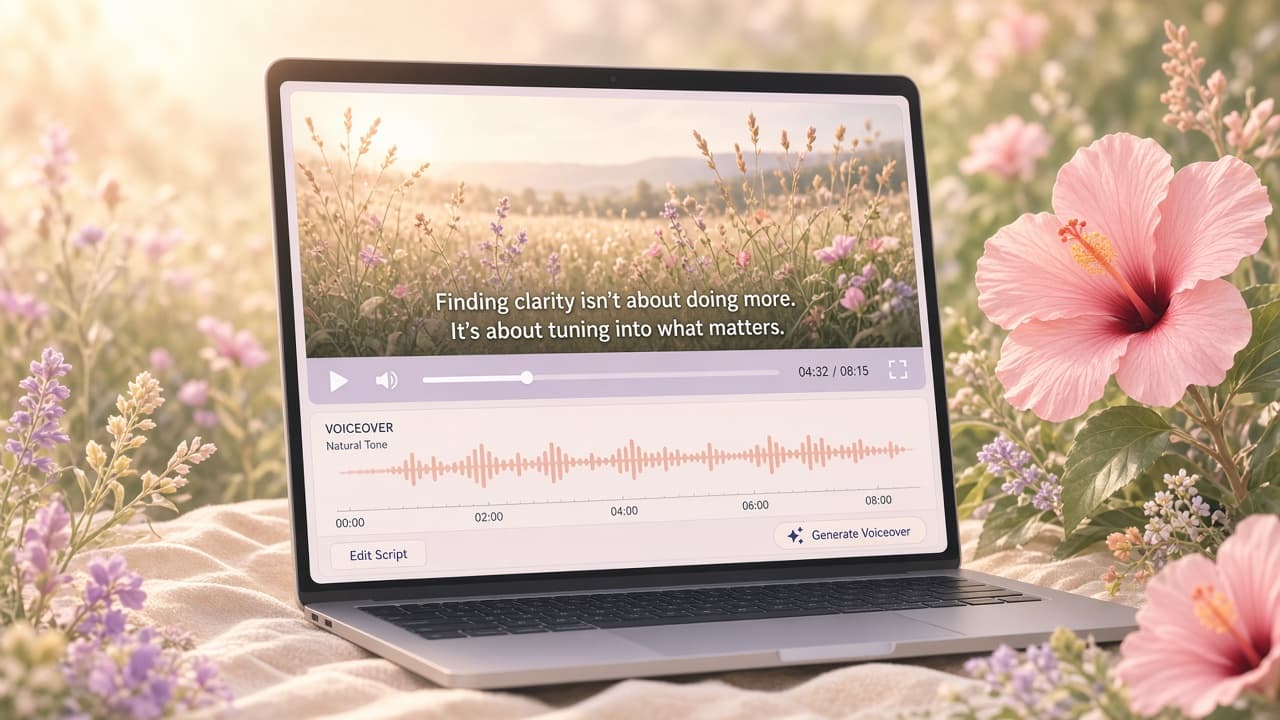
Localize meaning, not just words
Literal translation often creates captions that are technically correct and painfully long. Give a translator the video, product glossary, and character limit, not a naked text document. They need to see that “workspace” is a labeled menu item and that a sentence must finish before the billing modal appears. Leave a little visual breathing room in the original edit because German or French cues may run longer than English. If a translated line can't fit comfortably, shorten the idea instead of shrinking the type until nobody can read it.
Voiceover can follow the same approach. Edge TTS is useful for producing consistent localized narration without scheduling nine recording sessions, and it can be surprisingly natural with the right voice and punctuation. It isn't an automatic substitute for a person. Brand films with emotional delivery still benefit from a human speaker; procedural walkthroughs often don't. Generate a short sample first, check pronunciations, then align the approved track with the existing Screen Beaver timeline rather than forcing the visuals to chase awkward synthetic pacing.
Plan the visual edit for longer languages
Localization gets expensive when the English cut has no spare time. A two-word button label may become five words, and a brisk voiceover sentence may need another second in Spanish or German. Build small holds after major actions and avoid cutting away the instant an English caption finishes. Screen Beaver's auto zooms should also leave a safe area for two-line subtitles; a perfect punch-in that puts the active field behind text isn't perfect. We prefer a slightly calmer master over nine locale-specific edits full of desperate timing fixes. The tradeoff is a few extra seconds, but those seconds buy readable typography, more natural Edge TTS pacing, and fewer manual changes when another language is added later.
Export a package you can actually reuse
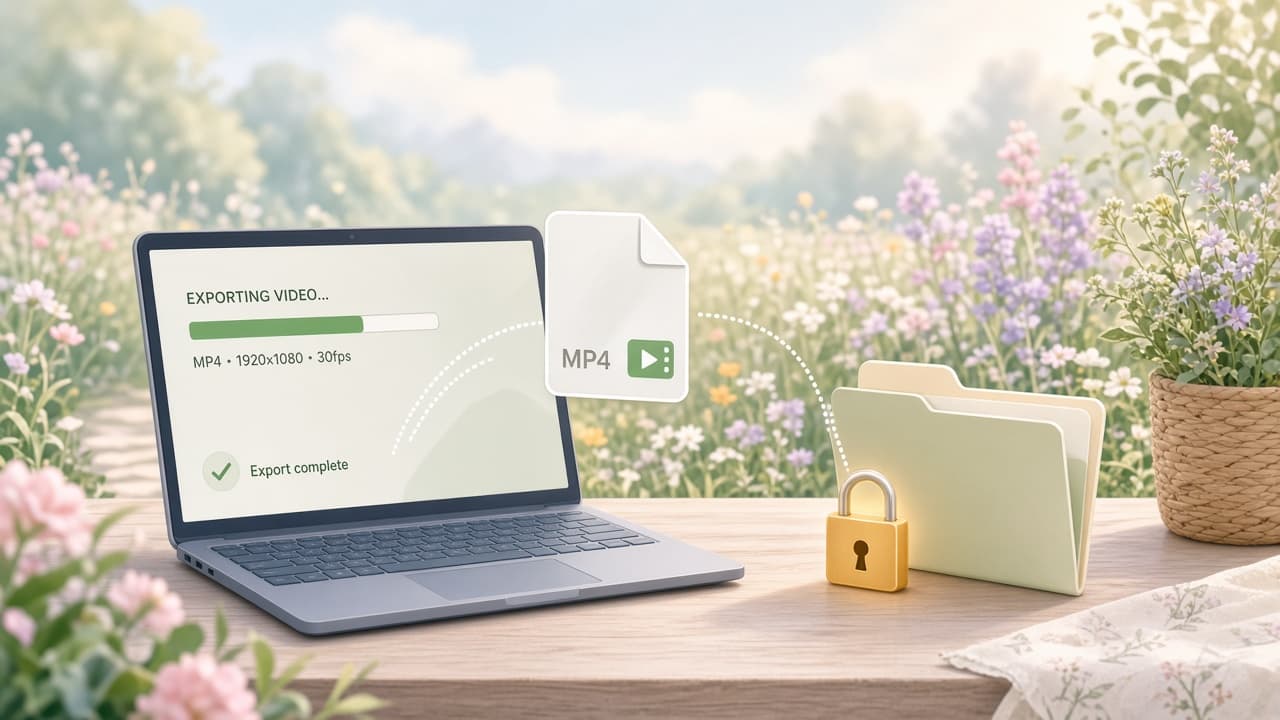
Finish with a small, boring checklist: watch once muted, once with narration, and once at the smallest size your audience is likely to use. Check caption contrast over every background, especially during auto zooms. Then create the required variants and encode the H.264 MP4 locally. Screen Beaver doesn't need to upload an unreleased interface just to render another language. Store the project, clean master, caption files, glossary, and final exports together. The next UI change will still require editing, but it won't require rebuilding localization from scraps.