STUDIO·APRIL 18, 2026
Captions & VO that ride with the demo | even on mute
Burn-in or SRT, then optional Edge neural TTS so mute autoplay still teaches the feature.
Screen Beaver Team·9 min read
A demo has to work before anyone turns the sound on. LinkedIn, X, help centers, and even product pages often start video muted, and plenty of viewers never change that setting. Voiceover can still add pace and personality, but it can’t carry information that disappears in silence. Screen Beaver treats captions, optional Edge TTS voiceover, and the visible action as parts of the same explanation. When they agree, the demo feels effortless. When they compete, even a polished recording becomes tiring.
Write captions for the viewer, not the transcript
A transcript records what someone said. A good caption explains what the viewer needs at that moment. “Now I’m going to click the blue Save button” wastes space because the button and pointer already show that. “The rule applies to every new workspace” adds meaning the pixels can’t provide. Keep lines short enough to read before the scene changes, break them at natural phrases, and avoid stacking three claims over a busy settings panel. Read each line at the final player size, not only in the editor, and check that product names wrap cleanly. If the copy needs a semicolon and two commas, it probably needs another scene. The cut should create room for language instead of forcing language to race the interface.
Give every beat enough time
Captions expose rushed editing. A fast click sequence may look energetic until a viewer has to read twelve words while following a zoom and checking the updated UI. Leave a small pause before the action, show the consequence, then move on. For agent-driven recordings, ask Cursor or Claude to wait after major steps. For a manual take, slow down more than feels natural. Dead air is easy to trim; missing comprehension is hard to manufacture later.
- Use one idea per caption and prefer specific verbs
- Keep text clear of menus, toasts, and the pointer’s destination
- Check every cut once with the player muted
- Export SRT when the platform should control styling or accessibility
- Burn captions in when mute autoplay and visual consistency matter most
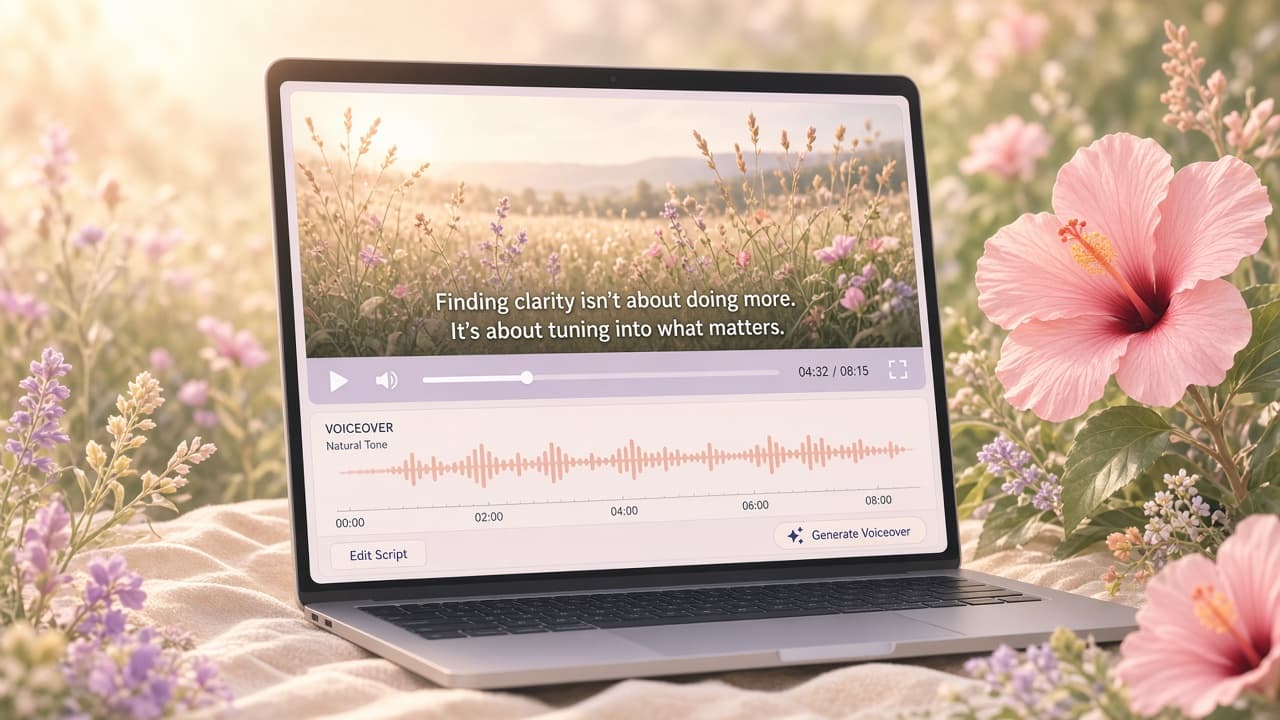
Voiceover should add tone, not duplicate noise
Edge TTS is handy for a clean narration track without setting up a microphone, especially when you need to revise one sentence after the UI changes. It also has limits. A synthetic read can flatten a joke, stress the wrong product name, or sound too formal for a founder-led launch. Read the script aloud yourself before generating audio. Contractions, shorter sentences, and deliberate punctuation usually sound better. Give the narration a point of view as well: a sales cut can emphasize the business consequence, while a tutorial should calmly name prerequisites and results. If one line keeps coming out strangely, rewrite it instead of wrestling with pronunciation markup for half an hour. Natural phrasing matters more than preserving the first draft.
Keep narration and action synchronized
The voice shouldn’t announce a result two seconds before it appears. Build the visual flow first, then fit narration to the stable beats. Screen Beaver keeps the timing on the timeline so you can move a caption, adjust a pause, or regenerate voiceover without filming the entire walkthrough again. Watch for loading states: a variable response time can break a tightly narrated take. In those scenes, write a line that tolerates a little timing variation or cut around the wait.
Localize the message, not just the words
Reusing one visual take across languages can save days. Translate the captions, generate another Edge TTS track if it fits the audience, and export a new version locally. But translation changes length, and some interface labels won’t match a localized product build. Review each version with a native speaker when the video matters. A technically correct translation that flashes by too quickly is still a bad tutorial. Sometimes the honest choice is a slower alternate cut, not squeezing every language into English timing.
Test the two real viewing modes
Before exporting H.264, watch once muted on a laptop-sized player and once with headphones. The silent pass tells you if captions and visuals carry the lesson. The audio pass reveals repeated phrases, awkward TTS emphasis, breaths between generated sentences, and sound effects fighting the narration. Then ask someone unfamiliar with the feature to watch without coaching and describe the result. They should remember what changed, not merely which controls were clicked. You don’t need all channels active all the time. A strong demo may use captions throughout, voiceover for context, and silence during the payoff. The goal isn’t to fill every track; it’s to make the feature understandable under imperfect viewing conditions.