The operating system for modern teams
Screen Beaver
Your Product Just learnedHow to Showoff
Record your product without babysitting the mouse ScreenBeaver turns Windows captures into polished demos, while its MCP agent can control your product and capture the whole walkthrough for you.
Available on Microsoft Store · Windows screen recorder · auto zoom · local export
Screen BeaverPRO
example.com
mass website design
BInspirationB2bLanding pagesModernDashboardDark
SEO workspace
Boost your rankings with AI
Live meeting studio
Talk face-to-face with AI
Company brain
Knowledge graph
Product marketing kit
Launch faster
Analytics OS
Dark dashboard
window:66848:0 Demo2:21.37 · 1x
0:00.00 / 2:21.3728px/s
MCP works with
 Cursor
 Claude Code
 Windsurf
 Trae
Trae Antigravity
 Codex
Codex GitHub Copilot
 VS Code
 Cline
Cline Continue
 Roo Code
 Kiro
Kiro OpenCode
 Warp
Warp Zed
Zed Amazon Q
 JetBrains AI
 Augment
 Gemini
Why Screen Beaver
Product videos without touching your screen.
Your MCP agent does the clicking. ScreenBeaver does, does the cinematography. Record, polish, and export locally from Windows desktop to Android USB.
Capture on Windows
Screen, window, tab. Take your pick. Android over USB too, because apparently your product lives on more than one screen.
Auto polish after every take
Zooms, whooshes, cursor magic, and captions happen automatically. Because editing the same demo for the 17th time builds character.
MCP from npm
Plug in your MCP agent and let it drive the walkthrough while ScreenBeaver handles the filming. You click nothing. Your AI gets the blame.
Local H.264 export
Crisp MP4s, encoded right on your machine. Nothing gets uploaded just to turn your demo into a video. Your product stays home
Optional · MCP
Hands-off capture when you want it.
Install Screen Beaver for Windows, add the MCP package from npm, then connect any MCP-capable coding agent. Prefer to drive it yourself? The same studio works manually.
MCP setup guide →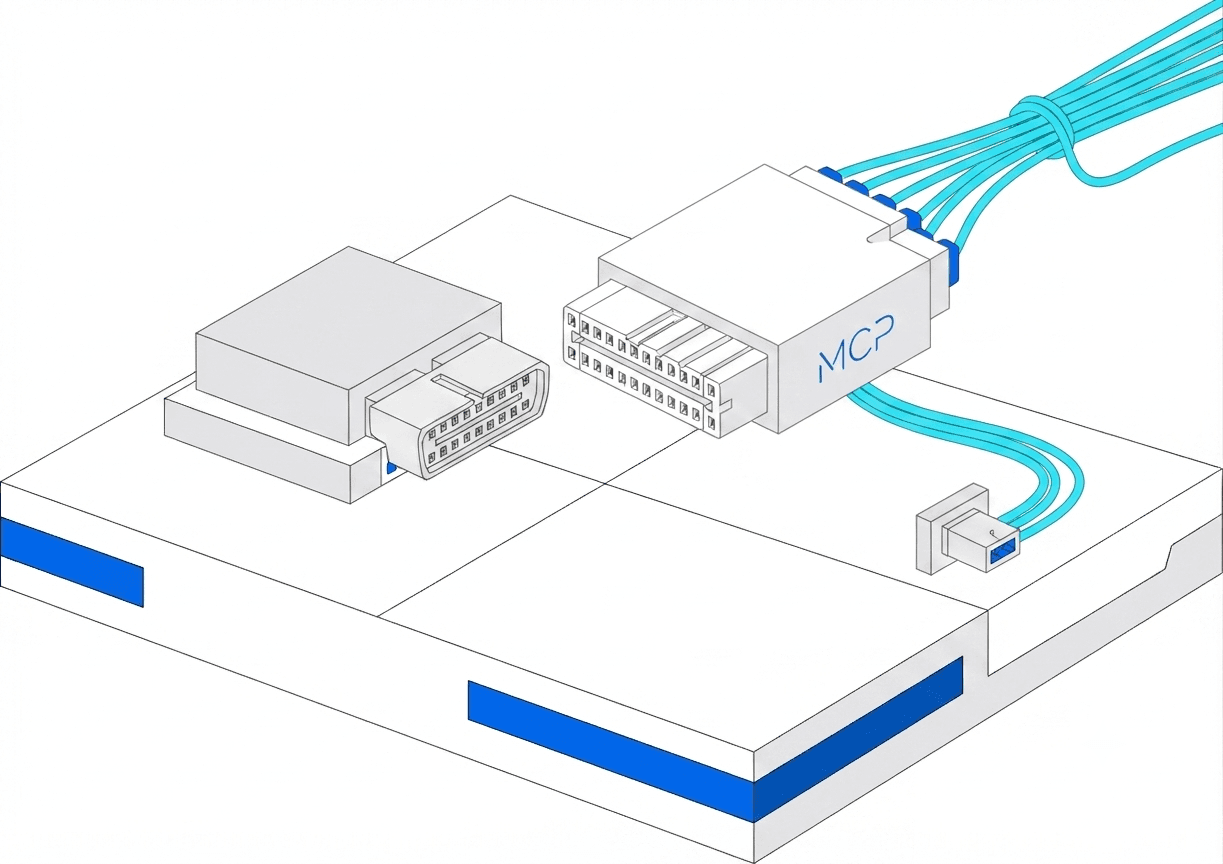
 npm
npm MCP
MCPAfter the Windows app
Then one npm command
Install Screen Beaver for Windows first. MCP only works with the desktop studio installed and running, then wire any vibe coding agent.
terminal# get Screen Beaver MCP
➜ npm i -g @screenbeaver/mcp

Your agent
Connect once
Point your MCP client at Screen Beaver and tools show up beside the rest of your agent capabilities.
One package
Same MCP server
One npm install works across MCP clients. Ask for a launch video in plain language.
Result
Launch video, minutes later
Your AI drives Screen Beaver: auto zooms, click sounds, captions, then hands you an export-ready cut.
See it in action
AI creates your video through MCP
Watch Screen Beaver build a polished edit from an AI prompt, connected over MCP.
How it works
[1/4]
mcp.jsonVibe Coding Tool
// mcp.json
{
  "mcpServers": {
    "screenbeaver": {
      "command": "npx",
      "args": ["@screenbeaver/mcp"]
    }
  }
}
01 / Plug in
Plug into Cursor or Claude in minutes.
One npm install. The same MCP protocol your agents already speak: capture, edit, voice, and export tools.
Capture
Display
Window
Browser tab
Android
USB · 9:16
Tracks
Mic · Camera · Cursor path
System audio ✓
02 / Capture
Record any screen, or a phone over USB.
Display, window, tab, or Android. Agents can drive it; you can still record by hand when you want full control.
05 / Hands-off capture
Your agent walks. Screen Beaver films.
Connect an MCP-capable coding agent, run the walkthrough once, and export a polished local MP4 with zooms and captions already on the timeline.
See MCP setup →Screen BeaverREC · 00:42Timeline
Zoom 1.8×CaptionsLocal MP4
Capture finished. Review the cut, then export on your machine.
Also works manually
Same studio when you click it yourself
Prefer the mouse? Record, plant zooms, polish the cursor, write captions, and export: all the usual demo tools, without an agent. MCP is the unlock; this is the everyday studio.
Background blur
Same control as Screen Beaver. Drag to soften the wallpaper
0%
Screen BeaverPRO
BG
Blur 0%
example.com
saas website design
InspirationB2bLanding pagesModernDashboard
Wide 16:9 Crop
InsertZoomCamera1234567ClickWhooshCaptionCut
window:66848:0 Demo2:21.37
0:00.00 / 2:21.3728px/s
> Studio catalog
[03/12]
The common toolkit, yours to mess with manually.
Backgrounds, zooms, cursor magic, captions, camera, devices, local export — all the good stuff. Your AI gets the same controls. You get them too, if you still enjoy clicking buttons yourself.
Manual captureAuto polishLocal export
Auto zooms from clicks and typing, or plant punches live with Shift+Click and Alt-hold.
AutoManualIntensityRegenerate

03 · Zoom
Auto & manual zoom
Slot 01
Auto
Slot 02
Manual
Slot 03
Intensity
Slot 04
Regenerate
03 · Zoom
Soft on clicks, stronger on typing. Bias anytime.
Capture + MCPCapture on Windows & Android.
Capture on Windows & Android.
Let your AI do the clicking.
Record on Windows or Android over USB. Install Screen Beaver MCP from npm, then connect any MCP-capable coding agent to drive capture.
Capture available on


MCP works with
Same Screen Beaver MCP server across coding agents.
MCP package
Install from npm after the Windows app is running.
Manual studio
The full Screen Beaver timeline
When you record yourself: background, motion, effects, cursor, zoom, camera, captions, voiceover, and export in one inspector rail
Screen BeaverPRO
window:66848:0 Demo
example.com
saas website design
BInspirationB2bLanding pagesModernInspiration layoutDashboardDarkPremium
The operating system for modern teams
Neural AI Core
SEO workspace
Boost your rankings with AI
Live meeting studio
Talk face-to-face with AI
Knowledge graph
The Brain Behind Your Company's AI
Product marketing kit
Launch faster
Analytics OS
Dark dashboard
iOS control center
Mobile companion
Inbox automation
AI Copilot
Insert
0s5s10s15s20s25s30s35s
window:66848:0 Demo2:21.37 · 1x
0:02.94 / 2:21.3728px/s

Captions & voiceover
Your demo speaks another language now.
Same trick as the studio: captions while you record, translate them, then hear the voice read it back before export. Type a goofy product line below. Mic is optional and politely shuts up while the voice talks.
Try a line. Hear it back.
Pick languages, type something silly, or hit the mic.
What you said
Translated out loud
Translation lands here, then a neural voice reads it to you…
Neural voice · SwaraNeural
 Android recording
Record Android devices.
Auto zooms, auto SFX, done.
Desktop app + portable ADB/scrcpy: mirror over USB, record MP4, sample taps for zooms and typing SFX, auto-match a device frame at 9:16.
9:41
Good morning
Ava Chen
AC
Available balance
$12,480.00
SendRequestTop up
PPay
CCards
SScan
MMore
Recent
S-$48
Studio Pro
Subscription
C+$2,400
Client payout
Freelance
B-$16
Cloud backup
Storage
T-$32
Team seats
Workspace
Tap Send to transfer funds instantly
REC 00:14
Click
Mirrored from Galaxy · Screen BeaverAuto zooms
Frames what you tap
Zooms follow focus points on the phone screen. No keyframes, no timeline scrubbing.
Zoomed frame
Focus point
1.8× · auto
✦
Whoosh
Transition · 0:08
Click
Auto SFX
Clicks & whooshes on cue
Sound effects drop on taps and transitions automatically.
Pointer polish
Always know where to look
Highlights and smooth motion guide every viewer.
00:14
Follow the blue zoom
Follow the blue zoom. It tracks every tap
Captions
Clear, branded captions
Readable overlays for demos and tutorials.
const demo = () => {
record(device)
}
⌘⇧K
⌘⇧K
Keystrokes
Shortcuts on screen
Show typing and hotkeys as they happen.
Manual studio · Effects
Click things. Hear the whoosh. Feel like an editor.
This is the same effects pad from the studio, turned into a toy. Mash click, right-click, type, shimmer, zoom. Every chaos button lands on the timeline, just like after a real take.
Screen BeaverPROEffects · playground mode
9:41
Fake phone, real SFX
WhatsApp · New message
Recording ready
Vertical 9:16
0s5s10s15s20s
Nothing yet. Go click the preview like you own the place.
0:02.40 / 0:20.000 effects

Manual studio · Auto zoom
Auto zooms from every click
Same polish whether an agent clicked or you did. After you stop, Screen Beaver derives zooms, or plant them live with Shift+Click and Alt-hold.
Pricing
Start free. Unlock agents when you're ready.
Free: local 720p with zooms, cursor polish, and captions. Pro adds voiceover, SceneFX, MCP, and 5 share links. Team adds custom domains, CDN embeds, and collaboration.
Free
Try the studio on real product takes.
$0forever
- Screen / window / tab recording
- Auto zooms & cursor polish
- Captions on export
- 720p local H.264 MP4
- ScreenWeaver logo watermark
- Desktop app via Microsoft Store
Pro
Most popularFull studio + MCP agents for hands-off demos.
$9/mo billed yearly
- Everything in Free
- AI voiceover
- Auto-generated captions & translation
- SceneFX & SFX pad
- Android USB recording
- 4K export · no watermark
- MCP for Cursor & Claude
- 5 public share links
Team
Shared polish for founders shipping together.
$30/mo billed yearly
- Everything in Pro
- 50 public share links
- Up to 5 seats · collaborate
- Custom domain via Cloudflare
- CDN & embed URLs for your site
- Priority support
- Invoice / PO friendly
Desktop studio via Microsoft Store. Local 720p on Free; Pro unlocks 4K and shares. Cancel anytime. See Refunds, Delivery, and Contact. Need a one-time license? Ask us about lifetime Pro.
FAQ
Questions about Screen Beaver
Recording, export, Android, and MCP, answered from how the product actually works.
A professional screen recorder for Windows and product-demo studio. Record manually or drive capture with any MCP-capable coding agent. Screen Beaver adds auto zooms, cursor effects, captions, and exports H.264 MP4 on your machine, a Screen Studio alternative for Windows teams.
Open source from day one
Screen Beaver is built in the open because great creator tools should be transparent, inspectable, and owned by the community. Read, contribute, self-host. You're never locked in, and always in control.
View on GitHubOne studio · every demo

Ship demos that look finished.
Record once, let Screen Beaver plant zooms and captions, then export H.264 on your machine. MCP is optional when you want hands-off capture.
Zoom
Search
Captions
Zoom
Search
Captions
Cursor
Export
Effects
Cursor
Export
Effects
SFX
Timeline
Keys
VO
Android
SFX
Timeline
Keys
VO
Android